

Empower your clients and stay in control.
The web portal was designed with Support coordinators across Australia, delivering the most optimal experience for your role.
Simple interface
Budget alerts
Invoice approvals
Forecasting

All of your contacts and their most important information is visible from the home screen. Including any with high spending categories.


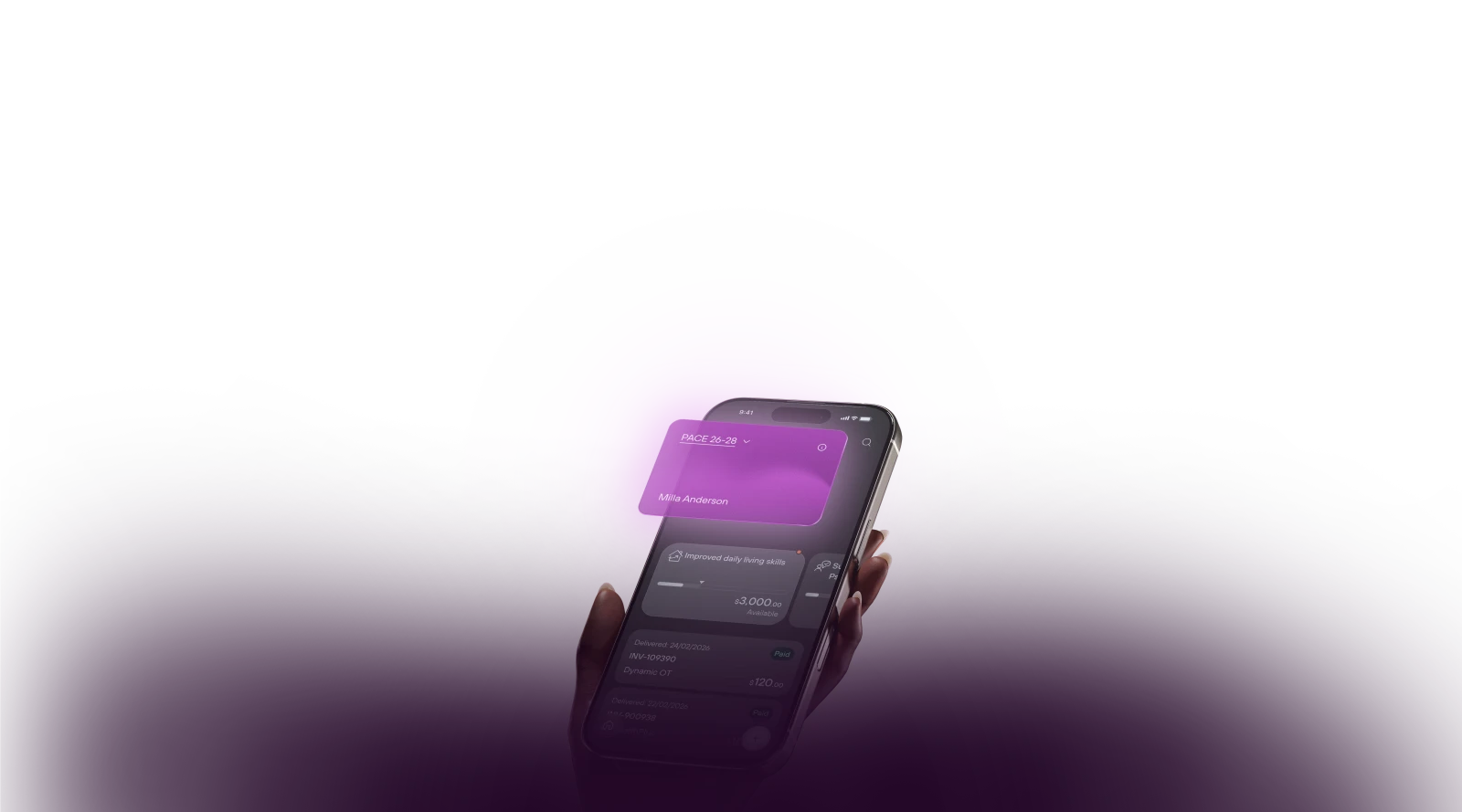
Access everything on the go.
The Kismet app gives you everything you need on the go. It's also the preferred method for your clients to easily view their budgets.
DownloadViewing your budget
- 1
Join Kismet
Once you have joined Kismet Plan Management, your dashboard is ready.
- 2
Download the app
Head over to the App or Play store and download the Kismet App.
- 3
Sign in
Sign in with the email you provided in the registration form and your budgets will appear.